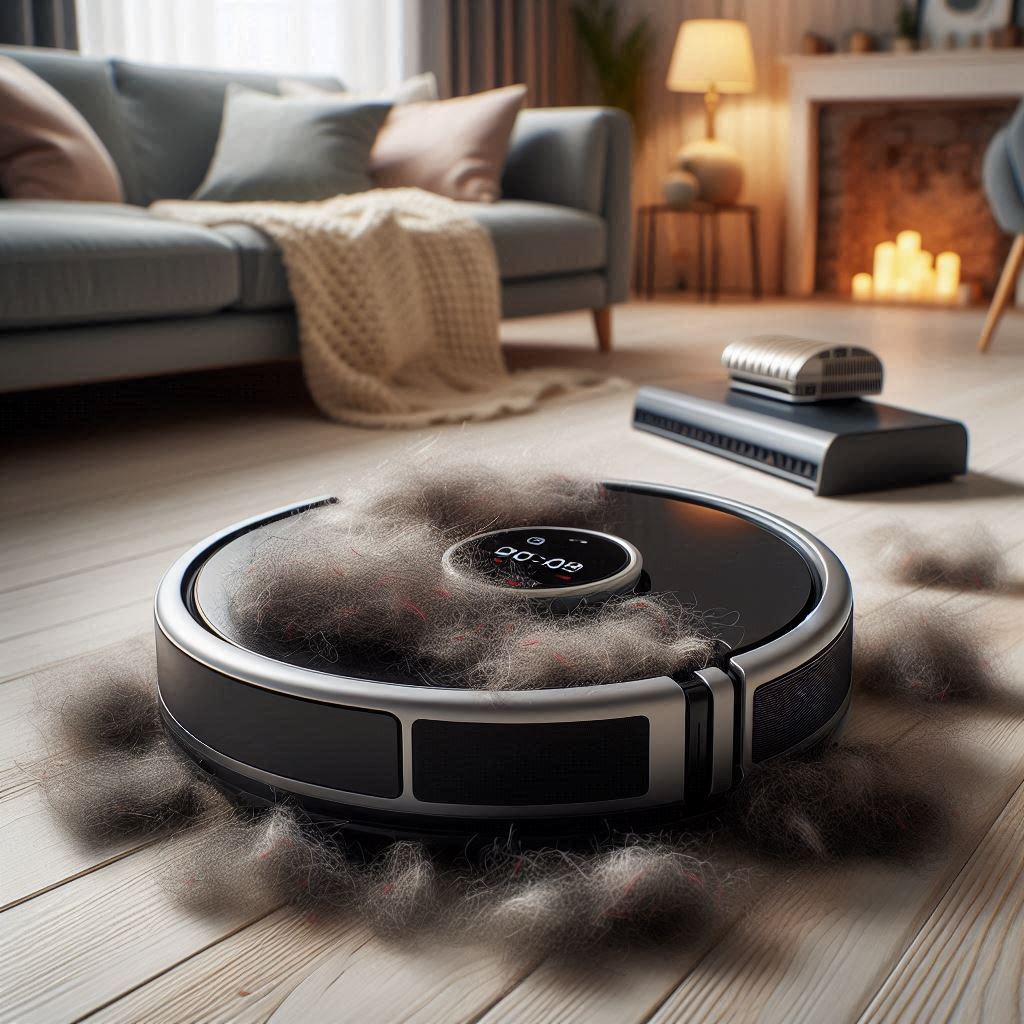
Robot vacuums serve as a valuable tool for pet owners, simplifying the task of keeping homes clean from shedding fur and dander. However, one challenge many encounter is interference caused by pets, particularly when it comes to their paws. This article will delve into why pets might interfere with robot vacuums, the implications for cleaning efficiency, and recommend solutions and vacuum models that minimize these interruptions.
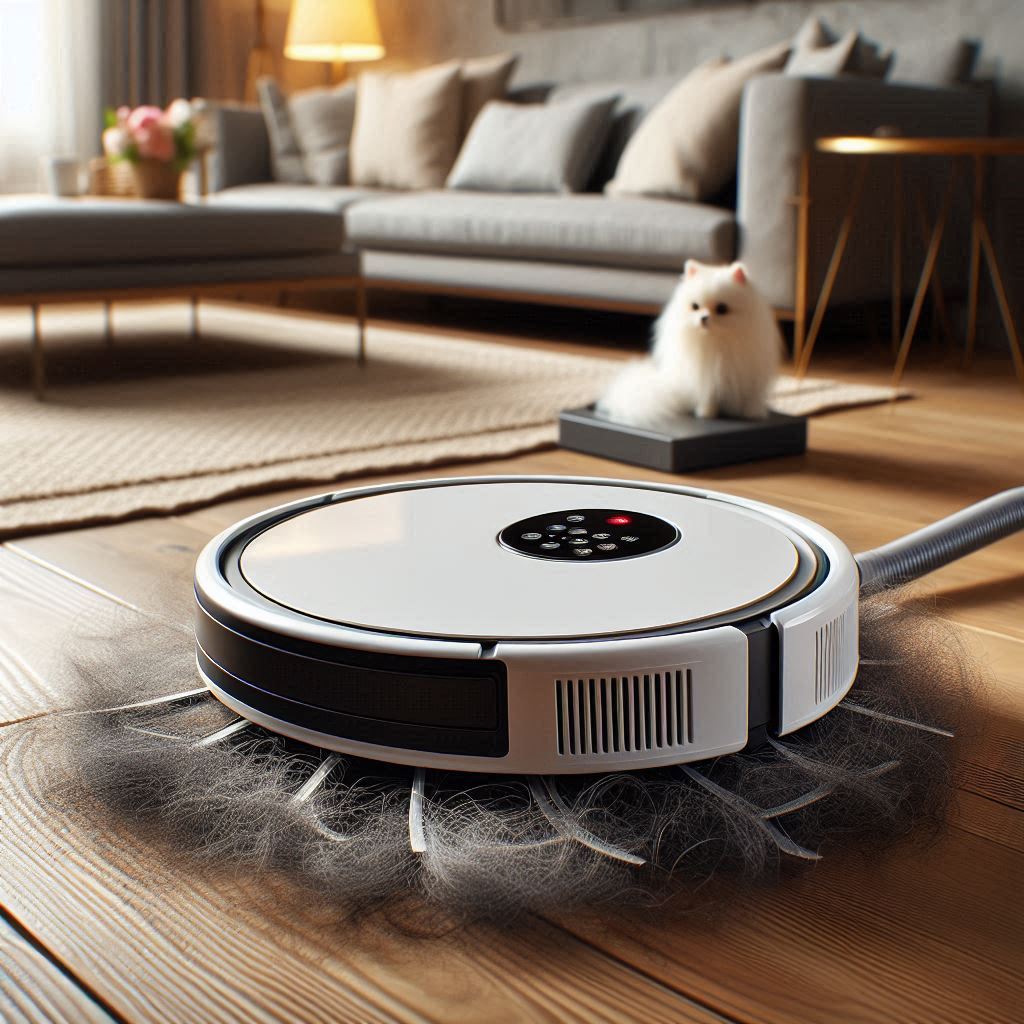
Understanding Pet Paw Interference
- Curiosity and Playfulness: Pets, especially dogs and cats, are naturally curious and may perceive the robot vacuum as a moving toy. This can lead to playful pawing or chasing.
- Protective Instincts: Some pets may view the vacuum as a threat to their territory, prompting them to intervene or obstruct its path, leading to disruptions in cleaning cycles.
- Seeking Attention: When the vacuum is in operation, pets might feel ignored and react by pawing at the device to gain attention from their owners.
- Fear and Anxiety: Loud noises or sudden movements from the vacuum can scare pets, causing them to react defensively by pawing at the device or trying to escape the area.
Behavioral Impacts of Paw Interference
- Incomplete Cleaning: Pets frequently stopping or obstructing the vacuum can result in inefficient cleaning, leaving areas uncleaned or missed entirely.
- Increased Wear and Tear: Regular paw interference can lead to more wear on the vacuum. Collisions with pets may damage sensors or disrupt the device’s operation.
- Stress and Anxiety: Continuous interruptions can elevate stress levels for both pets and owners, creating a hectic cleaning environment.
- Territorial Behavior: If a pet consistently blocks the vacuum’s path, it may develop territorial behaviors that disrupt daily routines and lead to further anxiety.
Strategies to Manage Paw Interference
- Training and Familiarization: Introduce your pet to the robot vacuum while it’s turned off. Allow them to investigate the device without the added pressure of operation. This can help reduce fear and anxiety.
- Create a Safe Space: Set up a designated area for your pet away from the vacuum’s cleaning route. Providing a comfortable space with toys can help keep them occupied during cleaning sessions.
- Use Positive Reinforcement: Reward calm behavior with treats or praise while the vacuum is running. This helps create positive associations with the device and encourages better behavior.
- Limit Vacuum Operation Time: Schedule cleaning sessions when your pet is less active or when you can supervise them, reducing the chances of interference.
- Pick Quieter Models: Opt for robot vacuums designed to operate at lower noise levels. Reducing noise can lessen your pet’s anxiety, making them less likely to interfere.
Key Features to Look For in Robot Vacuums
When choosing a robot vacuum that minimizes paw interference, consider the following features:
1. Smart Navigation
Look for vacuums with advanced navigation systems that can intelligently map your home and efficiently navigate around obstacles, including your pet.
2. Quiet Operation
Select models that operate below 65 dB to help reduce your pet’s stress. Quieter vacuums can alleviate anxiety, making pets less likely to react.
3. Obstacle Avoidance Technologies
Choose a vacuum with obstacle detection and avoidance capabilities. Such features can prevent the vacuum from colliding with pets, ensuring smoother operation.
4. Height Adjustability
Vacuums that can adjust their height or suction levels allow for effective cleaning without startling or irritating pets.
5. Customizable Cleaning Modes
Models with customizable cleaning modes allow you to adjust settings according to your home, optimizing cleaning time and reducing interference.
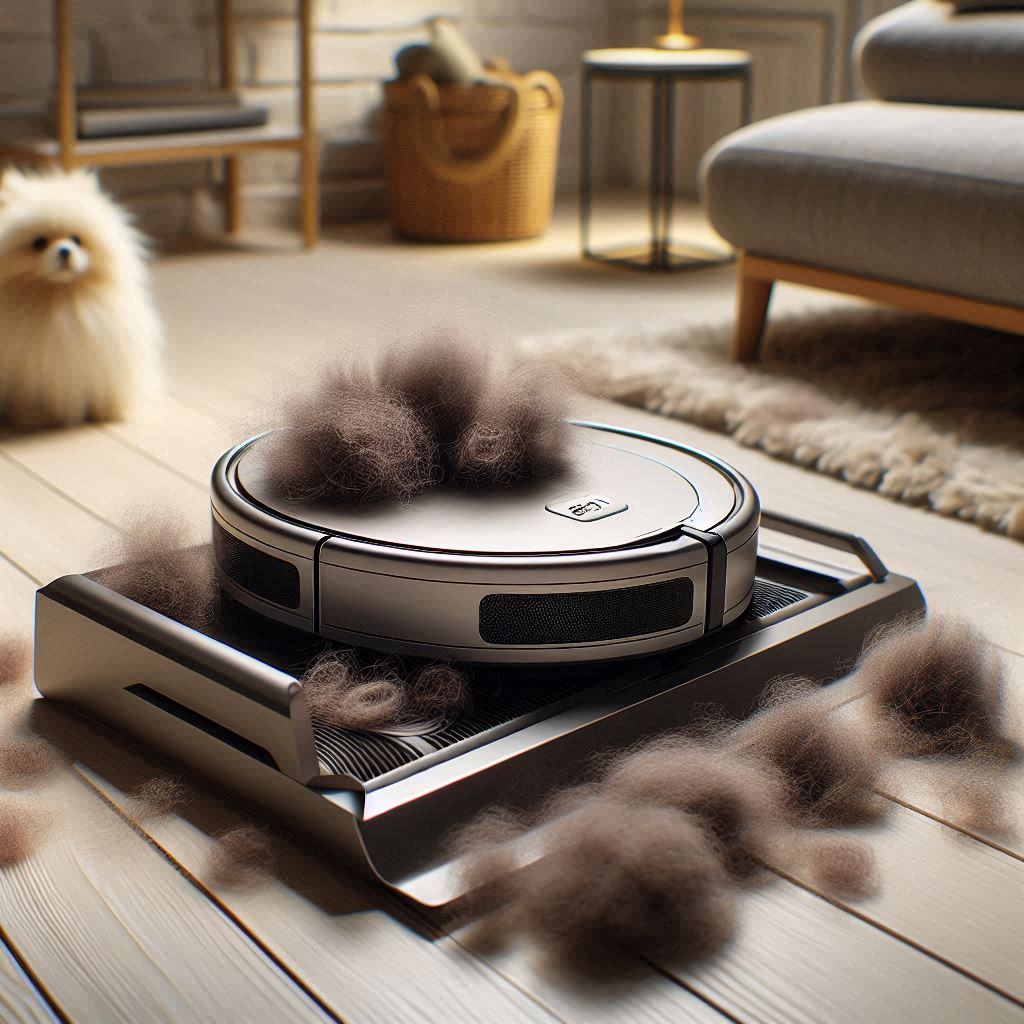
Robot Vacuums for Households with Pets
Here’s a list of robot vacuums available on Amazon that can effectively manage pet paw interference while ensuring efficient cleaning:
| Robot Vacuum Model | Noise Level | Suction Power | Navigation Technology | Special Features | Price Range |
|---|---|---|---|---|---|
| iRobot Roomba i7+ | 58 dB | High | Smart mapping | Self-emptying base, advanced navigation | $800 – $1,000 |
| Roborock S7 | 67 dB | High | LIDAR navigation | Mopping capability | $600 – $700 |
| Ecovacs Deebot T8 | 67 dB | Moderate | Smart mapping | Obstacle avoidance | $700 – $900 |
| Shark IQ Robot | 60 dB | Moderate | Smart navigation | Self-cleaning brush | $400 – $600 |

Related Posts